



If you want more buyers to find your listings, understanding eBay SEO is key. Good SEO helps your products show up higher in search results, attract traffic, and increase sales.
In this guide, you'll learn practical tips to optimize your listings, improve visibility, and turn browsers into buyers. Even small changes can make a big difference in how often your items appear in search.
By following these strategies, you can get more eyes on your products and grow your eBay business efficiently.
What Is eBay SEO
eBay SEO is the process of making your listings easier to find when people search on eBay. Think of it like a map—when you optimize your titles, descriptions, and categories, you guide buyers straight to your products. If you do it right, your items can appear higher in search results and get more clicks.
In 2024, eBay's net revenue reached $1.98 billion, showing just how many people shop on the platform. That means optimizing your listings can really pay off. You want to use clear keywords, fill out every field, and make your product descriptions match what buyers are looking for.
When you understand eBay SEO, you control how visible your products are. Better SEO = more traffic and higher chances of conversions, which means more sales for you without spending extra on ads.

How to Optimize eBay SEO to Drive Traffic
1. Do Smart Keyword Research First
Before you list anything, find out what words buyers really use. Tools like eBay's Terapeak (free in Seller Hub) show popular searches and how much competition there is.
Look for long-tail keywords, like "men's blue running shoes size 11" instead of just "shoes." These get you in front of ready-to-buy shoppers with less fight from other sellers.
Spend time here—good keywords can double your views without extra work. Check top-selling items in your category for ideas too.
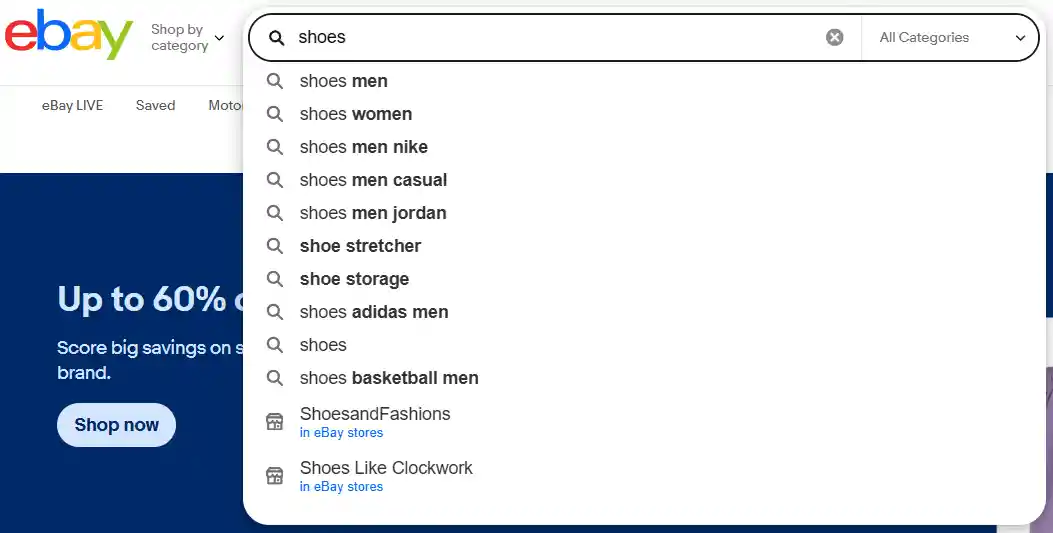
2. Craft Strong, Keyword-Rich Titles
Your title is the first thing eBay checks for matches. Use all 80 characters wisely: start with the most important words like brand, item type, color, size, and condition.
For example, "Nike Air Jordan Sneakers Men's Size 10 Black Red New" beats a vague one. Put high-search keywords up front. Avoid fluff like "Wow!" or "Great Deal!"
This helps you show up more often and gets clicks from real searches. Test and tweak based on what performs best.
3. Fill Out Every Item Specific
Those dropdown boxes for size, color, brand, material, and more? Don't skip them! eBay uses item specifics to match your listing when buyers filter results—like searching only for "red" or "large."
Complete them all accurately to boost visibility in those filtered views. They act like extra keywords without stuffing. Missing even one can hide your item from tons of searches. It's a quick step that pays off big in traffic.
4. Use High-Quality Photos from All Angles
Great photos aren't just pretty—they help your ranking because eBay favors listings buyers trust and click on.
Take your own clear, bright shots: at least 8-12 from different sides, plus close-ups of details. Use zoom-friendly sizes (at least 1600 pixels on the longest side).
No blurry or stock images. Good visuals make people stay longer and buy more, signaling to eBay that your listing is top-notch and worth showing higher.

5. Write Clear and Helpful Descriptions
Your description should tell buyers everything they need in simple words. Start with key features, then add benefits like "perfect for daily runs."
Use bullet points for easy reading and sneak in keywords naturally. Be honest about condition and include sizes or specs.
This builds trust, cuts returns, and keeps buyers happy—which eBay loves for better rankings. Original text beats copied stuff every time.
6. Price Competitively and Offer Free Shipping
Smart pricing pulls in traffic fast. Check what similar sold items go for using Seller Hub tools. Often, being a bit lower or offering free shipping wins more views and sales.
eBay boosts listings that convert well, so good prices lead to quick buys and higher spots in search. Pair this with fast handling to keep your seller score strong and attract even more shoppers.
What Should You Avoid in eBay SEO Practices?
1. Don't Stuff Keywords Everywhere
You might think cramming your title and description with the same keywords over and over will boost your ranking.
Wrong! eBay hates keyword stuffing because it makes your listing look spammy and hard to read. Instead, use keywords naturally—like how you'd talk to a friend.
This keeps buyers happy and helps eBay show your item to the right people. Focus on one or two main keywords per section to stay safe and effective.
2. Avoid Using Bad or Blurry Photos
Photos are super important on eBay, but uploading low-quality, blurry, or stock images is a big no-no. Buyers want to see clear, real shots of your exact item from different angles.
Poor photos make people scroll away fast, and eBay's algorithm favors listings with high-quality images.
Always take your own bright, sharp photos—at least 5-10 of them—to build trust and improve your search ranking. Good visuals can turn browsers into buyers easily.
3. Skip Generic or Short Titles
Don't just slap a boring title like "Nice Shirt" on your listing. Short or vague titles miss out on search traffic because they don't include the details buyers type in.
eBay titles have 80 characters—use them wisely. Include brand, size, color, condition, and key features.
A strong title helps you show up when people search for specific things, driving more clicks and sales without extra effort.
4. Never Ignore Item Specifics
Item specifics are those dropdown fields like size, color, or material that eBay asks you to fill out. Skipping them or picking wrong options is a huge mistake.
These details help eBay match your item to buyer searches way better than keywords alone. Filling them out completely boosts your visibility in filtered results.
Take a few extra minutes to get them right—it's an easy win for more traffic.
5. Don't Copy Descriptions from Others
Copying text from manufacturer sites or other sellers might seem like a quick fix, but eBay flags duplicate content and can lower your ranking.
Buyers also spot it and lose trust. Write your own simple description that highlights what makes your item special. Add bullet points for easy reading and include honest details.
Original content keeps you safe and helps customers feel confident about buying from you.

How to Maximize the Use of Fillable Fields in eBay Listings
Many eBay sellers underestimate the power of fillable fields. Almost every field you can fill is searchable, even if it seems unrelated.
For example, the "Manufacturer Warranty" field isn't relevant for many items, but adding text—even gibberish—can make your listing appear in searches. This shows that the exact field title doesn't matter as much as having content in it.
To get the most out of fillable fields:
- Fill every relevant field with keywords related to your inventory.
- Use part numbers when available; otherwise, insert general terms like "Auto Body Repair" or "Exterior Auto Parts."
- For duplicate fields, like multiple "Color" prompts, add secondary keywords such as "Exterior Parts & Accessories."
Avoid using fields like "Add Extra," as these are not searchable and won't help your SEO.
Filling fields consistently has been shown to increase traffic, improve search visibility, and even attract more external clicks from Google.
Small adjustments in your listings can lead to significant improvements over time.
Read More:
Practical Tips for Improving eBay Product Photos
To boost your eBay SEO, make your product photos clear, trustworthy, and relatable. Buyers like to see high-quality images from multiple angles, but avoid stock-looking shots—they can feel fake.
Adding candid or "in-hand" photos makes your listings more genuine. Even better, include lifestyle shots showing the product in real use, like on a desk, worn, or in a home setting. Simple tips:
- Show the item in your hand or next to something familiar for scale.
- Include a handwritten note with your eBay store name to prove authenticity.
- Keep backgrounds clean, bright, and clutter-free.
- Use natural light to show true colors.
These touches make your listings more engaging. When buyers can picture the product in their life, clicks and sales increase naturally.

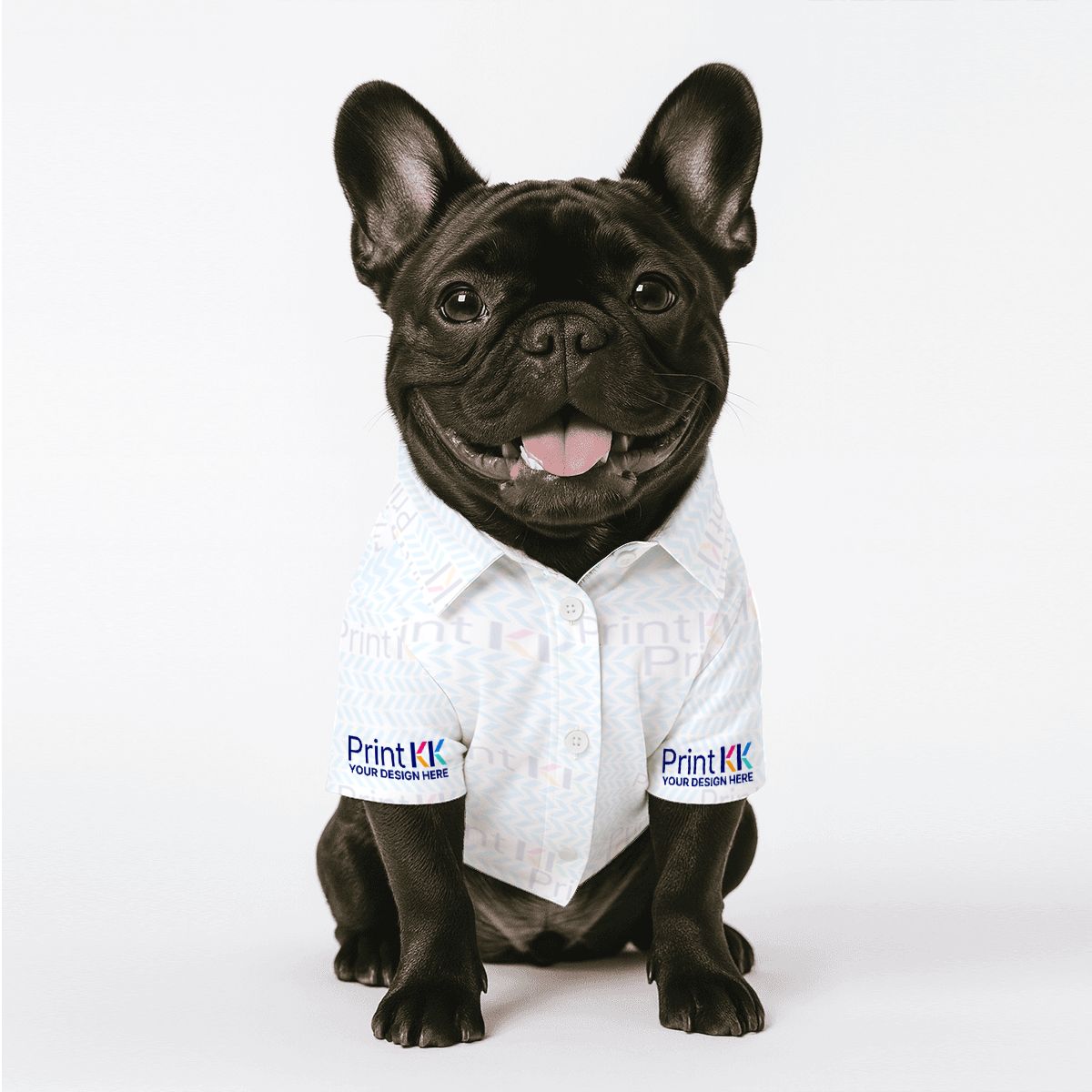
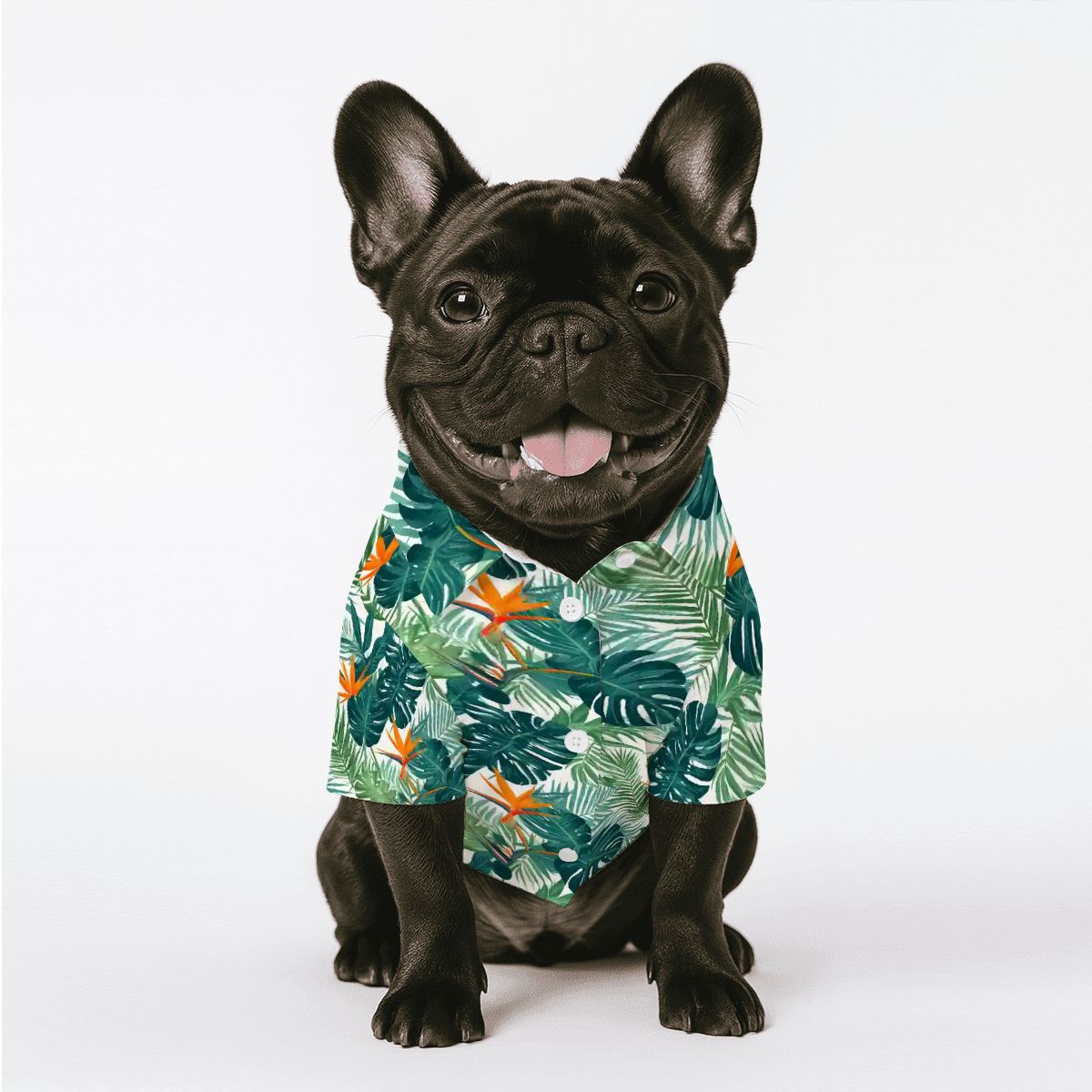
Custom Pet Cotton T-shirt - Print-On-Demand - PrintKK
Start an eBay Business With PrintKK
Starting an eBay business is easy with PrintKK. You can quickly design your products using our simple online tools and place orders in just a few clicks. PrintKK integrates seamlessly with eBay, so listing your items takes minimal effort, saving you time and hassle.
The advantages of using PrintKK are clear. Our products are affordable but high-quality, making them perfect whether you want to buy for yourself, give as gifts, or sell online.
You can enjoy higher profit margins while offering attractive items to buyers.
We offer a wide range of products, including:
- Home decor items to brighten any space
- Trendy fashion clothing for all ages
- Fun and practical pet products
With PrintKK, you get quality, variety, and easy eBay integration. It's a smart way to start or grow your online business without stress.
Expert Tips
Optimizing your eBay listings is key to getting more traffic and sales. By focusing on ebay seo, you make it easier for buyers to find your products. Pay attention to titles, descriptions, and keywords. Good photos and detailed listings also matter.
Remember to keep your store organized and your products clear. Regularly updating your listings helps you stay competitive. Use analytics to see what works and what doesn't.
With the right approach, you can drive more traffic, improve conversions, and grow your eBay business step by step.
FAQs
Can I pay to rank better on eBay?
No, you can't pay directly for higher organic rankings in eBay's search results. Good rankings come from strong seller performance and optimized listings. The only paid option is Promoted Listings, which places ads in special spots.
Does promoting a listing on eBay really help?
Yes, it can give your items more views and reach new buyers quickly. Many sellers see extra sales from it. You only pay a fee when the item sells after an ad click, so test it on slow-moving stock.
Does SEO work on eBay?
Yes, it works well. eBay uses an algorithm called Cassini to rank listings based on keywords, photos, details, and your seller record. Solid optimization brings free traffic and helps items show up higher in searches.
How often should I update my eBay listings?
Check and revise listings every few months if they're not selling. Small changes like better photos or prices keep them fresh. For fixed-price items, ending and relisting can reset visibility and attract more attention.


 Made in USA
 Global Shipping
 Free shipping